




Internationalization is the boring engineering work that makes localization possible. Done right, you do it once and your SaaS can ship in any language. Done wrong, you do it twice, and every new language is a project.
By 2026 the cost of getting i18n wrong is higher than it has been in any prior cycle. Product-led SaaS distribution is global by default. Free trials convert in markets you did not plan for. New AI-powered translation tools assume your product is already internationalized. If it is not, the pipeline stops at your doorstep.
This guide is for product engineers, tech leads, and PMs at SaaS companies who are about to build i18n for the first time, or rebuild it after a first attempt that did not scale.
KEY TAKEAWAYS
- Internationalization (i18n) is the engineering work. Localization (l10n) is everything that comes after.
- Externalize every user-facing string from day one. Hardcoded strings are technical debt.
- Use the JavaScript Intl API and ICU MessageFormat for dates, numbers, currency, and plurals.
- Plan for string length variance, right-to-left languages, and Unicode from the start.
- Choose a URL pattern early. Subdirectories plus hreflang is the default for most SaaS.
- The cost of fixing i18n later is three to five times the cost of getting it right the first time.
What internationalization actually means
Internationalization, abbreviated i18n, is the process of designing a software product so it can be adapted to any language and region without code changes. Localization, abbreviated l10n, is the work of actually adapting it for a specific language and region. The MDN glossary has the cleanest definition of the two.
In practice, i18n is engineering work and l10n is content work. i18n covers externalizing strings, supporting Unicode, formatting dates and numbers per locale, handling plural forms, and routing per language. l10n covers the actual translation, cultural adaptation, and locale review.
Getting i18n right is the precondition for everything else. Without it, even the best translation team in the world cannot ship a localized product.
Why i18n decisions made early save years of pain
A SaaS team that bakes i18n into version one can add new languages in weeks. A team that bolts it on later spends quarters refactoring strings, fixing layouts that break under translation, and unpicking hardcoded date and currency formats.
The asymmetry is real. Building i18n into the foundation costs roughly 10 to 15 percent more in initial engineering. Retrofitting i18n into an existing codebase costs three to five times the original cost of those same features.
If your SaaS is past the seed stage and you have not internationalized, the rule of thumb is simple: every quarter of delay multiplies the eventual cost.
FOUNDER INSIGHT
Many SaaS companies think localization begins when they translate their UI. In reality, localization begins much earlier, with engineering decisions. We’ve seen teams spend weeks translating content, only to spend months fixing architecture that wasn’t designed for multiple languages. The most successful localization projects start with strong internationalization.
Karuppusamy Arunachalam, Founder, NexTranslate LLC
The five fundamentals of i18n architecture
Code
Externalized Strings
i18n Library
Locale Formatting
Unicode Support
Localized URLs
Translation & Localization
Five things have to be in place for a SaaS to be properly internationalized. Miss any one of them and the architecture leaks.
- Strings externalized from code and stored in locale files.
- A runtime i18n library that loads the right locale at request time.
- Locale-aware formatting for dates, numbers, currency, and plurals.
- Unicode (UTF-8) end to end, including database, API, and frontend.
- A URL or subdomain pattern that signals locale to users and search engines.
The rest of this guide walks through each layer.
Externalizing strings the right way
Every user-facing string should live in a locale file, not in code. The most common JavaScript pattern is i18next, with strings stored in JSON files per locale.
For other stacks, the equivalents are gettext for Python and PHP, go-i18n for Go, NSLocalizedString and String Catalogs for Swift, Android string resources for Kotlin, and Fluent for Mozilla projects. Pick the canonical library for your stack and stick with it.
Three rules that pay off in year two:
- Use semantic keys, not the source text as the key. “login.button.submit” is better than “Sign in”.
- Comment context for translators. A button label and an error message both labeled “Submit” need different translations.
- Never concatenate translated strings. Use ICU MessageFormat for variables and plurals.
Locale-aware formatting
Dates, numbers, currency, and plural forms vary by locale in ways that surprise English-only teams.
Use the JavaScript Intl API for browser code. Intl.DateTimeFormat, Intl.NumberFormat, and Intl.PluralRules handle most of what you need without an external library. For complex messages with embedded variables and plurals, use ICU MessageFormat.
The wrong way to format a date for an international user:
// avoid
date.toLocaleDateString()

// correct
new Intl.DateTimeFormat(locale, { dateStyle: 'long' }).format(date)
For server-side code, the equivalents are the locale-aware methods in your language’s standard library or the CLDR-based libraries that wrap Unicode’s locale data.
Handling string length variance and layout
Translated strings change length. German is typically 30 percent longer than English. Japanese can be 50 percent shorter. CJK characters render at different widths.
Design and engineering choices that handle this without breaking:
- Use flexible containers. Never set fixed widths on buttons or fixed heights on labels.
- Test the UI at 130 percent of the source string length before approving the design.
- Allow line breaks inside buttons, not just on labels.
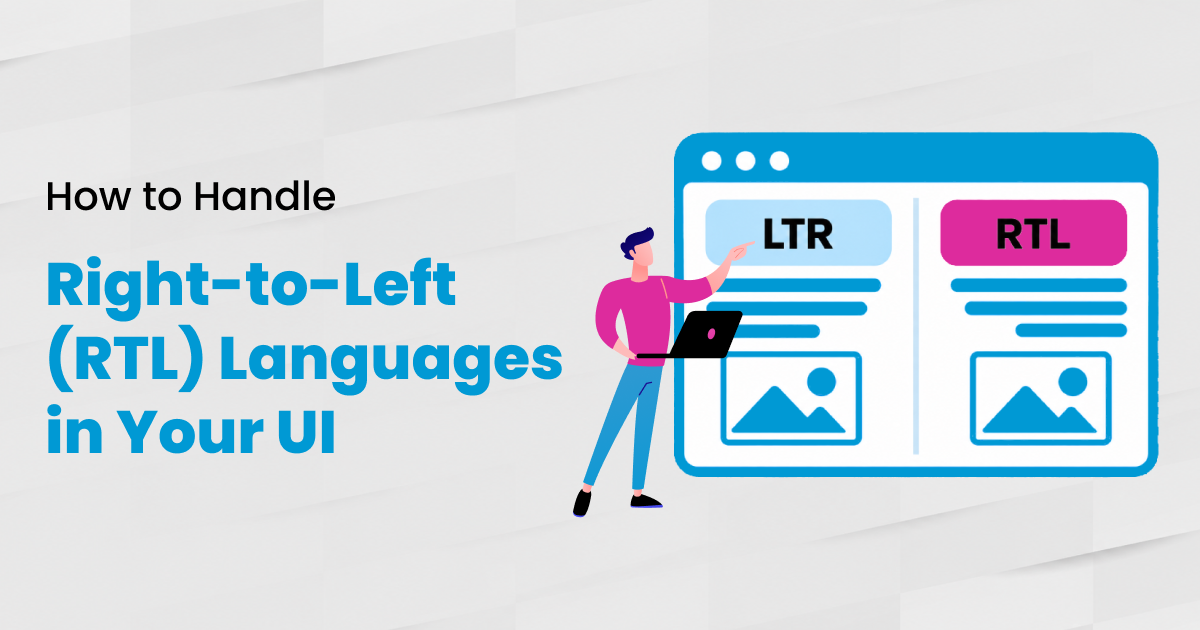
- Account for right-to-left languages (Arabic, Hebrew) in the layout system from day one.
Tailwind, CSS Grid, and Flexbox all support this if you avoid hardcoded widths. The discipline is in the design system, not the framework.
Unicode and character encoding
Use UTF-8 everywhere. Database, API responses, frontend, file uploads, email, support tickets. Anything else creates encoding bugs that are expensive to find later.
If you are setting up a new project, the defaults in modern frameworks already handle this. If you are working in an older codebase, audit your database column collations, API response headers, and any third-party integrations.
The W3C i18n essentials is the reference if you want the protocol-level detail. For tagging content with the right locale identifier, BCP 47 language tags is the standard.
URL and routing patterns for locales
Three patterns are common for multilingual URLs. Each has trade-offs.
Subdirectories
Patterns like /es/ and /de/ are the default for most SaaS. They are easy to set up, share domain authority across locales, and play well with hreflang. Google’s hreflang documentation covers the implementation.
Subdomains
Patterns like es.example.com and de.example.com work for teams that want operational separation between locales. Domain authority is split across subdomains, which is a small SEO cost.
Country code top-level domains
Patterns like example.es and example.de are appropriate for global brands that already have local entities in each market. They are the most expensive to maintain.
For most product-led SaaS, subdirectories plus hreflang is the right default.
Setting up your first locale
Once the architecture is in place, the first locale is faster than the team expects. A typical first-locale rollout looks like this:
- Audit existing strings. Identify hardcoded text that needs to be externalized.
- Move strings to the locale file structure. Set semantic keys.
- Configure the runtime library with English as the source locale.
- Add the second locale, typically Spanish or German for most B2B SaaS, as the test target.
- Send the source locale file to translation through your TMS or your localization partner.
- Wire the locale switcher into the UI.
- Test with the longest expected strings (130 percent of English length).
- Ship.
For the translation step, NexTranslate runs the hybrid AI plus human workflow as part of our translation and localization service. For the broader rollout, the SaaS localization playbook covers market selection, the operating model, and a 90-day plan. For cost expectations at this stage, see our breakdown of translation services pricing.
Most teams complete the first locale in two to four weeks once the architecture is in place.
Common i18n mistakes to avoid
Five patterns show up repeatedly when an i18n project goes wrong.
- Hardcoded strings in components. Externalize all of them, not just the obvious ones.
- Using the source string as the locale key. Brittle when source copy changes.
- String concatenation across translated strings. Use ICU MessageFormat instead.
- Ignoring plural forms. Russian has four plural categories, Arabic has six. English-only teams forget this.
- Skipping right-to-left support in the layout system. Easy to add early, expensive to retrofit.
Frequently asked questions
What is the difference between i18n and l10n?
Internationalization (i18n) is the engineering work that makes a product adaptable to any language. Localization (l10n) is the work of adapting it for a specific language and region. i18n is the foundation, l10n is what happens on top.
How long does i18n take to set up?
For a greenfield project, baking i18n in adds 10 to 15 percent to engineering effort. For an existing codebase, retrofit time depends on how many strings are hardcoded. Most teams complete the i18n refactor in 4 to 8 weeks.
Which i18n library should I use?
For JavaScript, i18next, FormatJS, or react-intl. For Python, gettext via Babel. For Go, go-i18n. For Swift, NSLocalizedString or String Catalogs. For Kotlin and Android, string resources. The exact library matters less than the principle: no hardcoded strings, all formatting through the i18n layer.
Do I need a translation management system before i18n is done?
No. Get i18n right first. Once strings are externalized, a TMS becomes the workflow layer on top. Most teams pick a TMS after the first locale is in place.
How do I handle right-to-left languages like Arabic and Hebrew?
Use CSS logical properties such as margin-inline-start instead of margin-left, and set dir=”rtl” on the HTML root for those locales. Test the layout in both directions before launch.
Conclusion: build the foundation once
Internationalization is the work that makes everything else in the localization pipeline possible.
The decisions made in week one of your i18n architecture will continue to pay off, or cost, for years. Teams that invest in a strong foundation can launch new languages faster, enter new markets with confidence, and avoid costly rework as they scale.
Final Thought
“Localization success starts long before the first word is translated. It starts with engineering decisions that make every future language launch easier.”
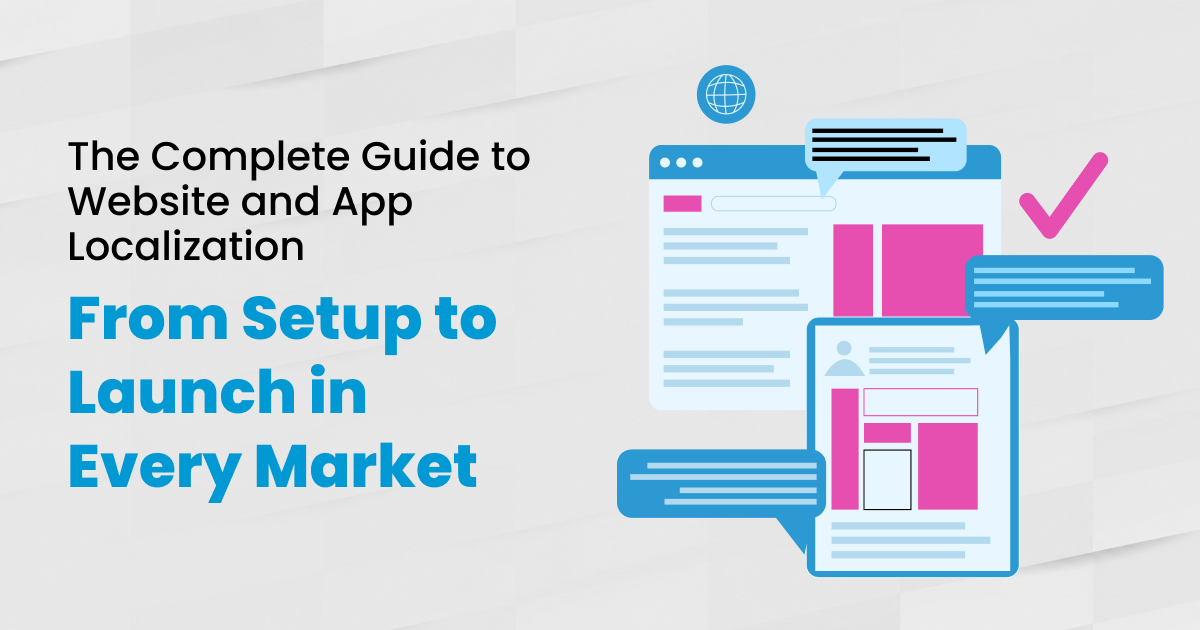
At NexTranslate, we work with SaaS teams across both stages. Our Website & App Localization Service handles the translation and locale rollout once your i18n architecture is ready. If you are still in the planning phase, the SaaS Localization Playbook provides a broader framework for market selection, rollout strategy, and localization operations.
If your SaaS is internationalizing for the first time or rebuilding after a first attempt that did not scale, NexTranslate can help.
